

Rebuild Existing Jewelry Designs in CAD
Digitize complex pieces to analyze structure, modify details, recreate missing digital files, or integrate branding elements without starting from scratch. Bring existing jewelry into a cleaner digital workflow built for modern CAD, redesign, and production.
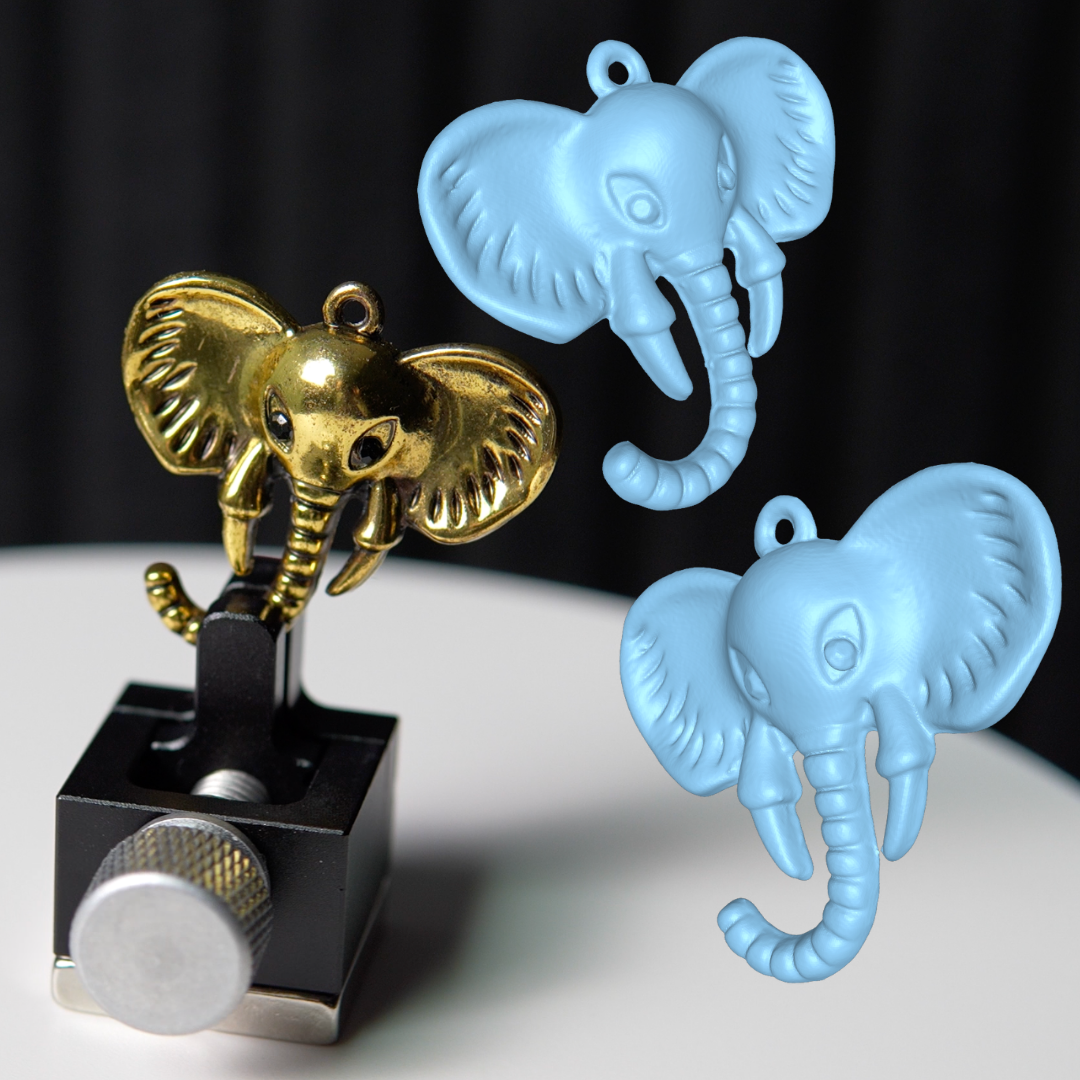
A better starting point than rebuilding by eye
Reverse engineering is valuable when original CAD files are unavailable, outdated, or were never created in the first place. Instead of manually rebuilding a design from rough measurements or visual approximation alone, eLUXE3D gives you a detailed digital reference based on the real piece.
That reference can then be used to recreate geometry, study proportions, adjust structural details, develop companion designs, or add branding and production changes with more confidence. For jewelers and manufacturers, it creates a cleaner path from existing object to future-ready CAD.
Recover lost digital history
Turn legacy pieces, archived samples, customer jewelry, or old production parts into a usable digital reference when original design files are missing.
Analyze real structure
Study form, contour, thickness transitions, symmetry, and construction more clearly before deciding what should be preserved, adjusted, or improved.
Modify without starting over
Use the scan as a design guide for edits such as sizing changes, branding additions, detail refinement, matching components, or broader redesign work.
Reverse engineering supports more than simple duplication
It creates a digital foundation for redesign, documentation, brand customization, and future production decisions.
Recreate proven designs
Capture pieces that already work in the real world and rebuild them in CAD as a stronger base for repeat production, updates, or new collections.
Extend existing pieces
Develop matching bands, related styles, modified heads, alternate settings, or branded variations while staying closer to the original geometry.
Preserve design intent
Bring the original object into the digital process with more clarity so important visual relationships are not lost during reconstruction.
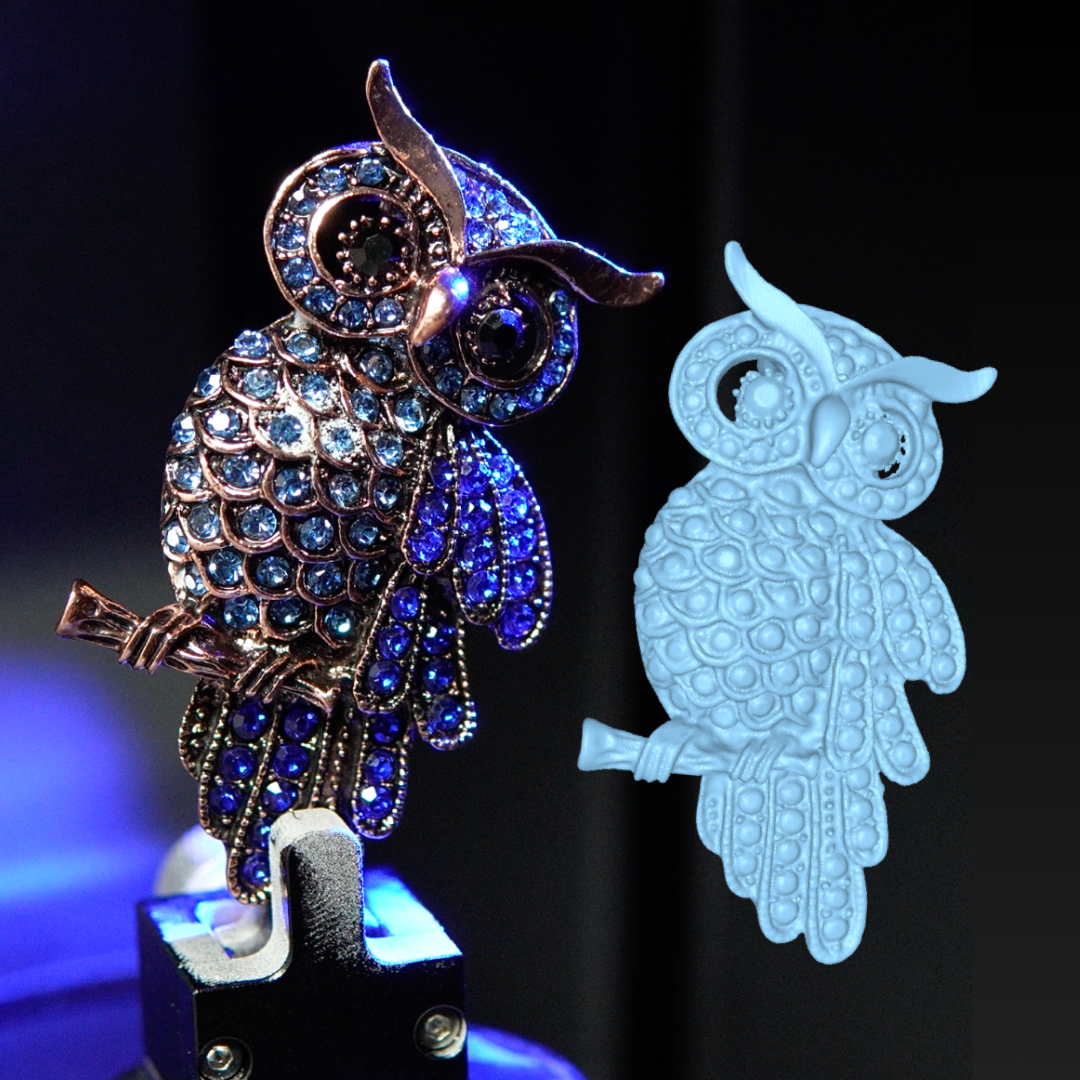
Build forward from what already exists
Reverse engineering is not only about copying a piece. It is about understanding it well enough to work from it intelligently.
Capture the real geometry
Bring the actual proportions and physical relationships of the piece into a digital reference instead of relying only on calipers, photos, or rough estimation.
Study before you rebuild
Evaluate the structure more clearly before reconstruction begins, which helps when dealing with complex surfaces, transitional forms, or hard-to-measure details.
Design with more flexibility
Once the piece has a digital reference, it becomes easier to create refined variations, make targeted edits, and support future manufacturing or design expansion.
A practical path from existing jewelry to CAD-ready development
eLUXE3D is positioned around precise digital twins, CAD-ready workflows, and jewelry-focused scanning performance. For reverse engineering, that means the scan is not just a visual record. It becomes a usable design reference that can support reconstruction, refinement, and production planning.
Scan the existing piece
Capture the jewelry object in detailed digital form so the rebuild starts from the real geometry rather than approximation alone.
Review key geometry
Study curves, proportions, relationships, and structural transitions that matter for reconstruction or modification.
Rebuild in CAD
Use the scan as a digital guide when recreating the piece, helping maintain stronger alignment with the original object.
Modify and move forward
Refine the design, add branding, create variants, or prepare the model for future use across custom or production workflows.
Where reverse engineering adds the most value in jewelry workflows
Best for situations where a physical object already exists, but the next stage of design or production needs digital control.
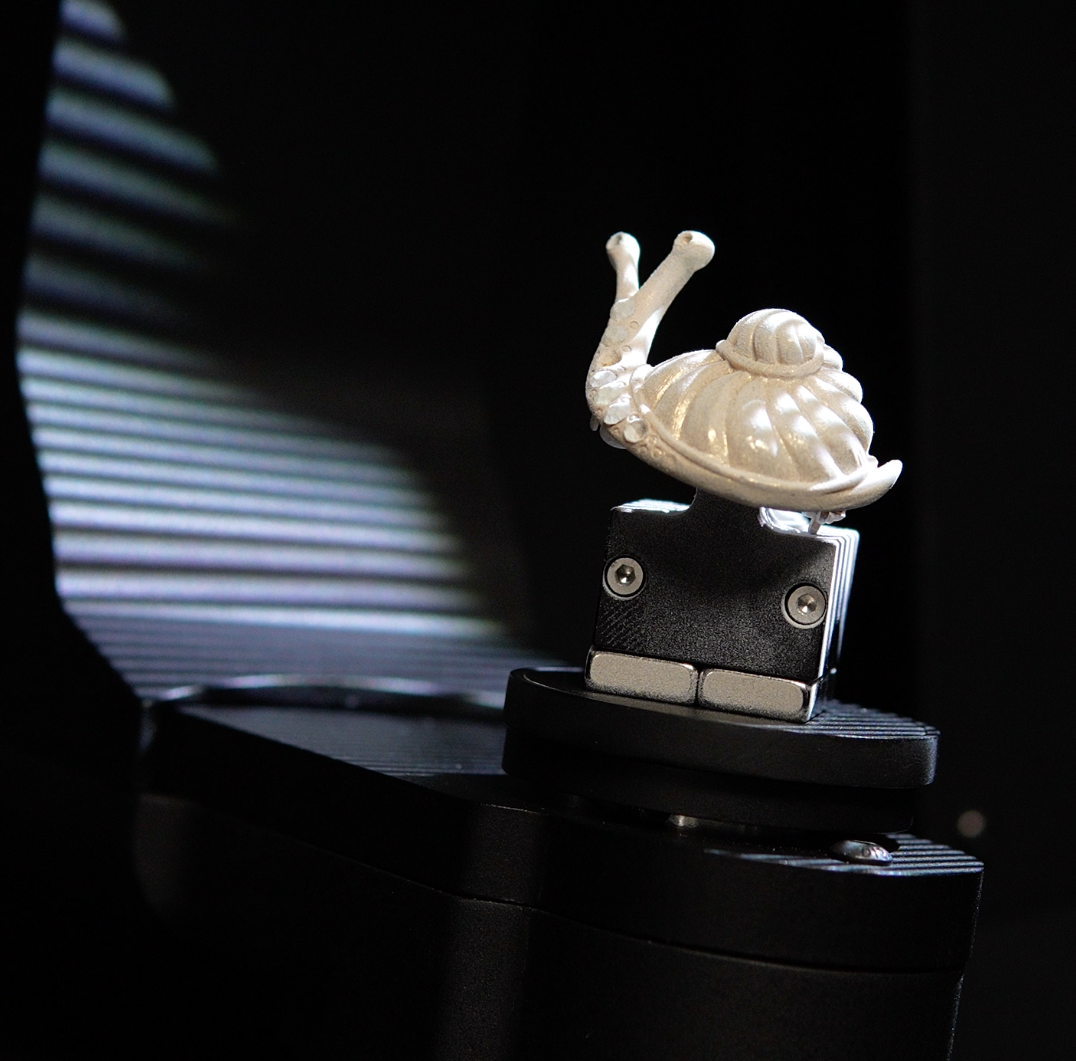
See how eLUXE3D supports reverse engineering for jewelry design and production
Bring existing pieces into a cleaner digital workflow for CAD reconstruction, design refinement, branding updates, and future-ready manufacturing decisions.