

Design Around Irregular Stones with True Geometry
Scan freeform and irregular gemstones to capture their actual shape in detailed digital form, then build bezels, prongs, and surrounding designs with geometry that reflects the real stone—not an approximation.
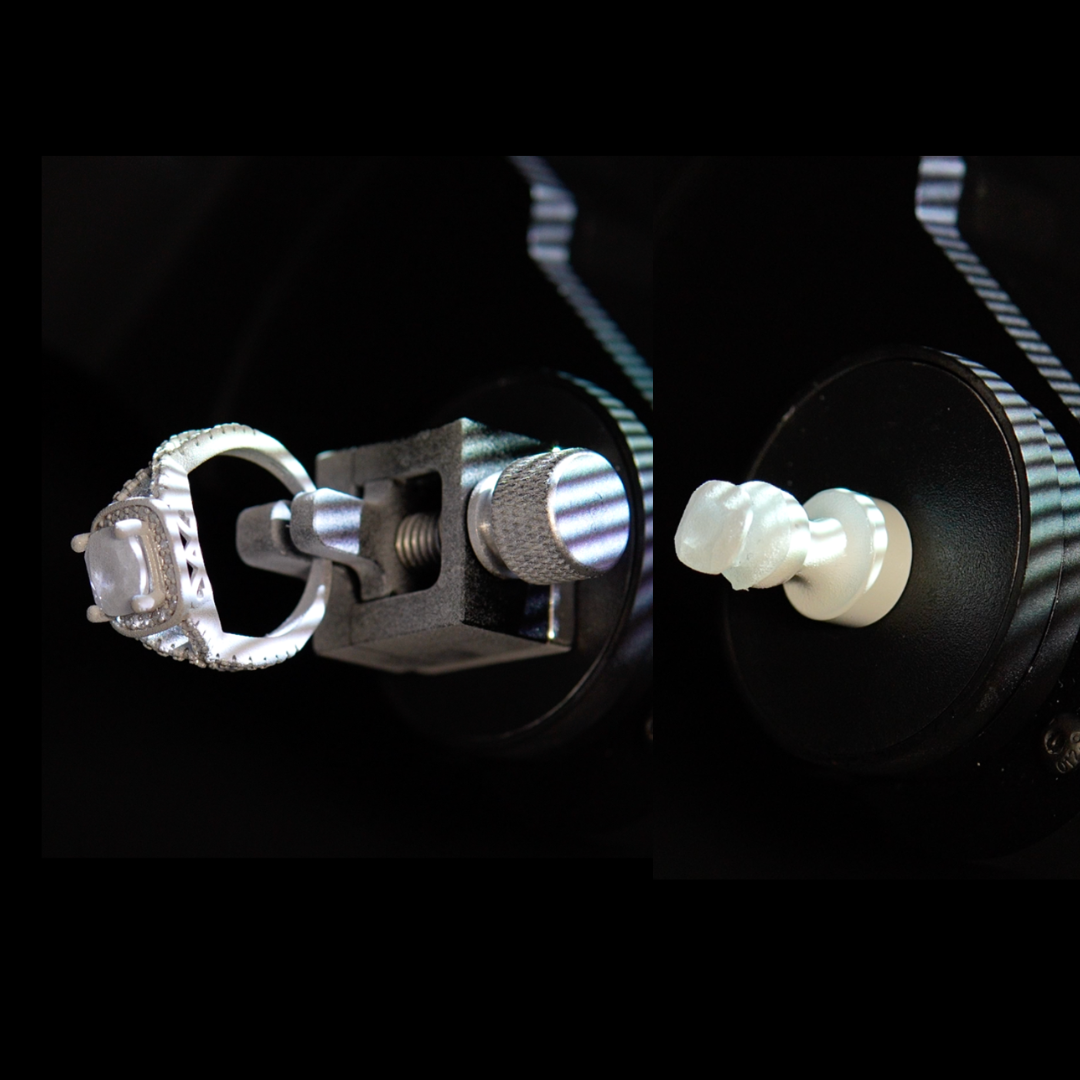
When the stone shape does not follow standard dimensions
Irregular gemstones create design opportunities that standard calibrated stones do not—but they also create more uncertainty. Uneven contours, asymmetry, freeform silhouettes, and subtle surface variation can make it difficult to design settings that truly follow the stone with precision.
eLUXE3D helps bring those shapes into CAD as detailed digital geometry, allowing designers to work around the actual stone rather than relying on manual measurement, rough estimation, or repeated adjustment later in the process.
A clearer workflow for designing around complex gemstones
Instead of forcing irregular stones into standard assumptions, start with the actual contours and build the design around what is physically there.
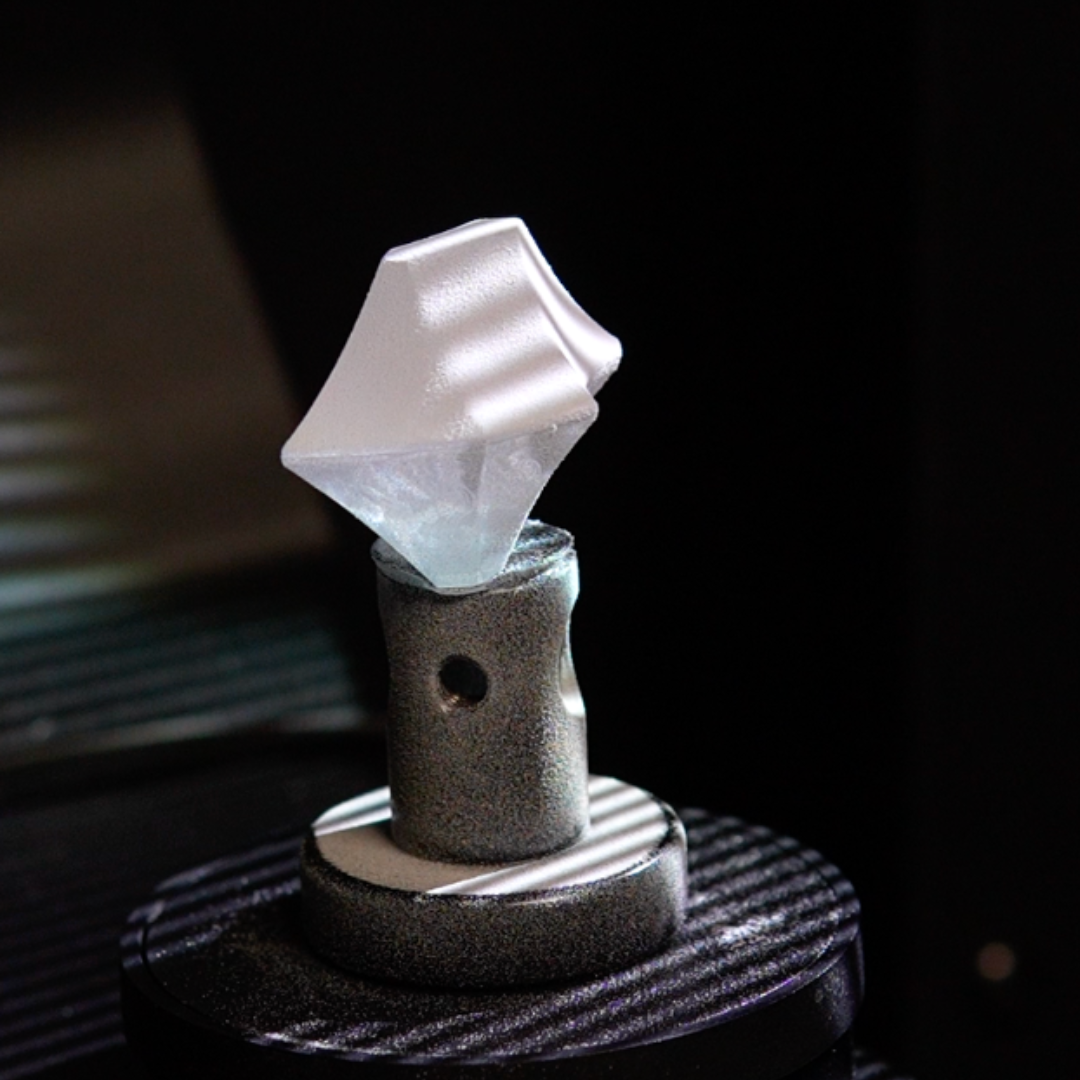
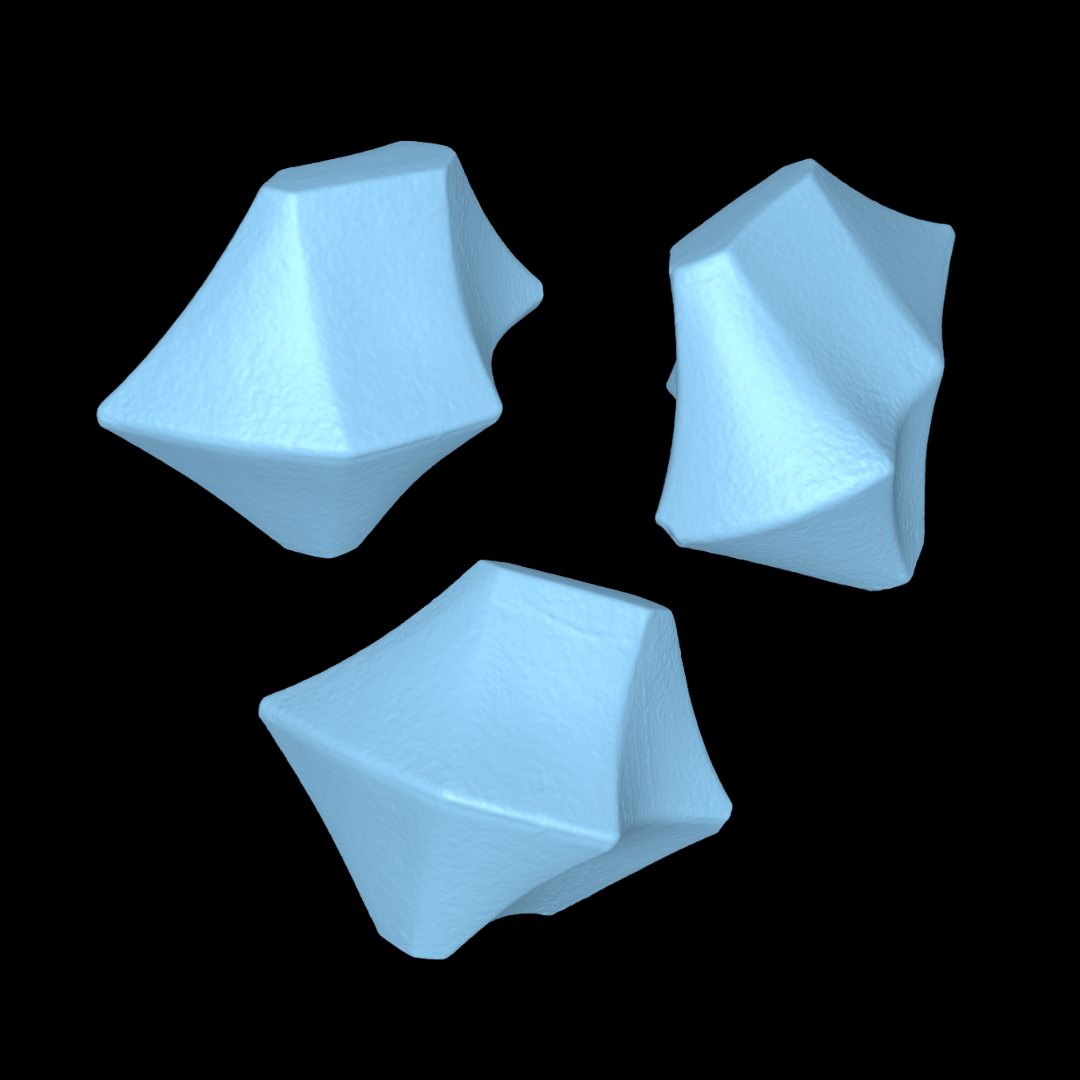
Less guesswork
Design decisions can be based on the actual stone shape rather than rough measurements or visual approximation.
Better fit planning
Support more precise design of bezels, prongs, and surrounding forms before production starts.
Faster iteration
Move into CAD with a more complete reference so design adjustments happen earlier and more efficiently.
Stronger presentation
Use real geometry to support cleaner communication between design, production, and client expectations.
Where irregular stone scanning adds the most value
Especially useful when a design needs to wrap, follow, protect, or visually balance around a shape that is not standard.
Custom bezels
Build bezel walls and contours around the real perimeter of the stone, helping the design follow the piece more naturally and with greater intent.
Prong placement
Position prongs more thoughtfully around high points, edge changes, and asymmetrical areas where balance and hold both matter.
One-of-a-kind pieces
Support fully custom work where the stone itself drives the design language, rather than forcing the design into a standard template.
Build around the real stone, not a simplified estimate
For irregular gemstones, the shape itself often defines the success of the design. A workflow that begins with the actual geometry can help reduce uncertainty and support a cleaner path from stone to CAD to finished piece.
Scan the stone
Capture the physical gemstone in detailed digital form, including the contours that matter to the setting design.
Bring it into CAD
Use the scan as a design reference when building bezels, prongs, halos, or surrounding structures.
Design with intent
Adjust the mounting and surrounding forms according to the true shape and orientation of the actual stone.
Reduce revisions later
Support a more informed first pass so fewer changes are needed once the design moves toward production.
Strong use cases for irregular stone workflows
Best suited for projects where complex stone geometry directly affects fit, protection, balance, or overall design quality.
Useful when no standard calibrated measurements truly reflect the stone.
Helpful for stones whose perimeter and profile require more intentional design decisions.
Ideal for one-of-a-kind center stones where the setting needs to feel purpose-built from the start.
Supports designs where the stone shape is central to the visual identity of the finished jewelry.
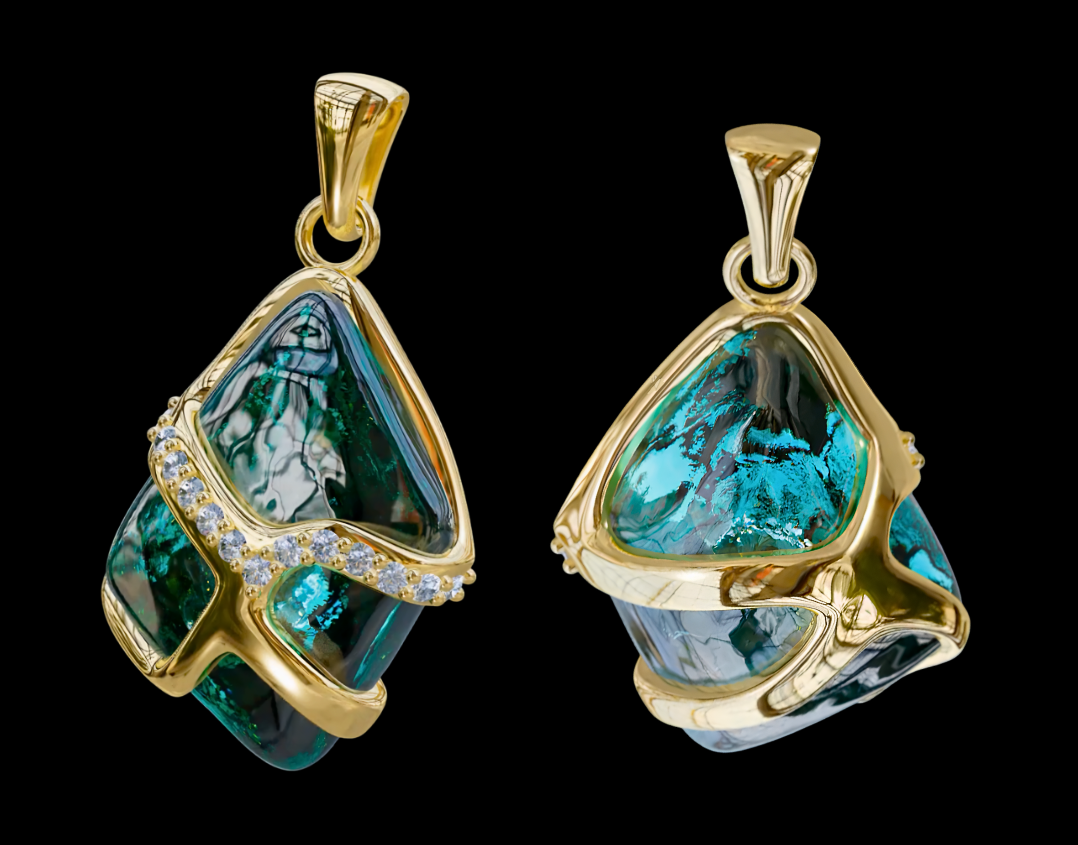
See how eLUXE3D supports irregular stone design
Explore a workflow that helps bring complex gemstones into CAD with geometry that is closer to the real piece—so design decisions can start from a stronger reference.